> ## Documentation Index
> Fetch the complete documentation index at: https://docs.privy.io/llms.txt
> Use this file to discover all available pages before exploring further.
# Configuring funding methods
> Configure wallet funding methods (onramp, crypto transfer) in the Privy Dashboard
Privy supports multiple funding methods that can be enabled and configured from the [Privy Dashboard](https://dashboard.privy.io). To get started, select an app from the **App Dropdown** in the sidebar, then navigate to the [Account Funding](https://dashboard.privy.io/apps?page=funding) page.
 ## Enable funding methods
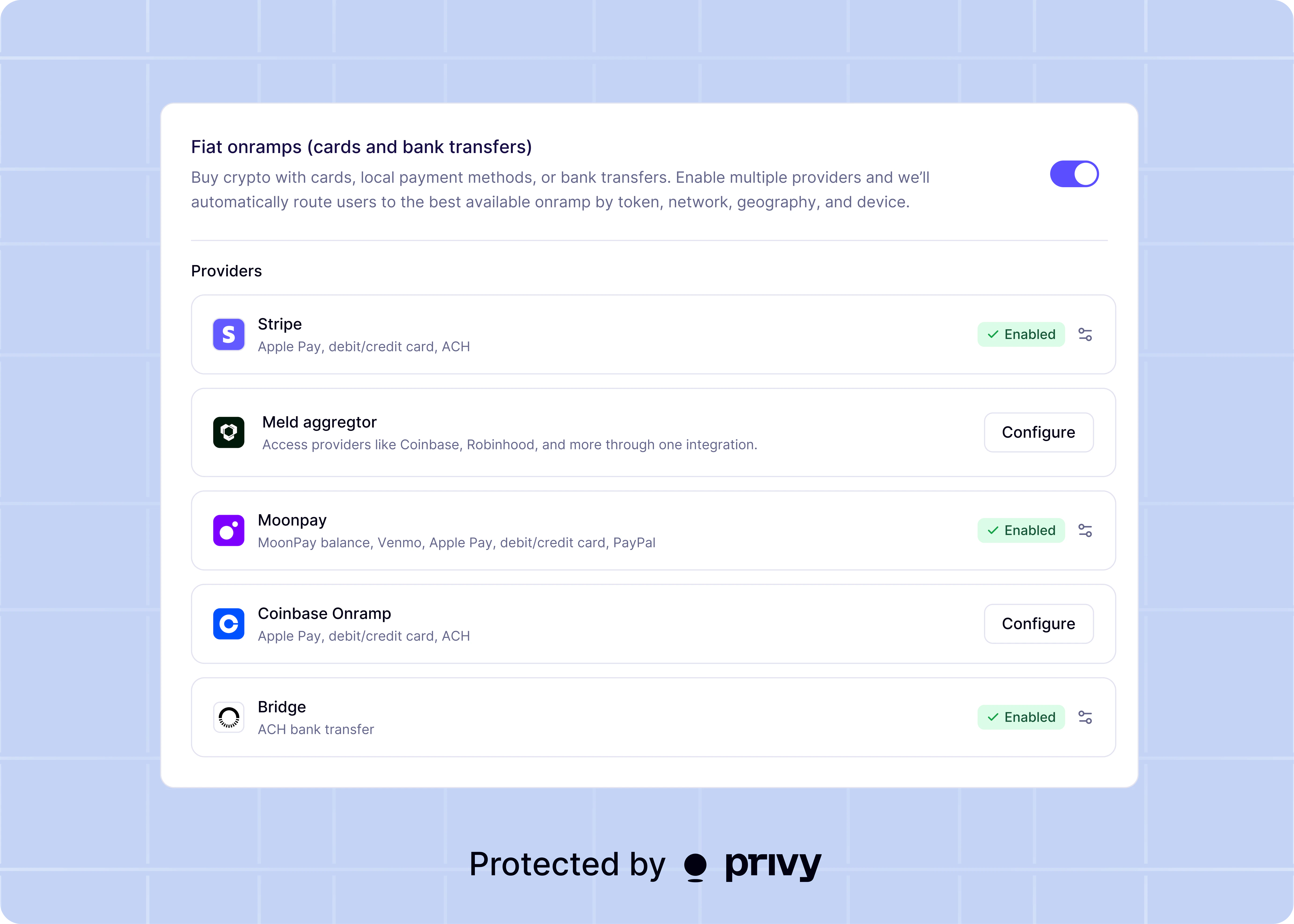
To enable funding, select the desired funding methods by toggling the corresponding option in the Dashboard. Privy uses the enabled providers to generate options for users to select from during a funding flow.
Privy is actively working on bringing **Transfer from external wallet** to React Native, but this
is currently **not** yet supported. Enabling this method in the Dashboard does not surface this
option to React Native users.
## Set provider API keys
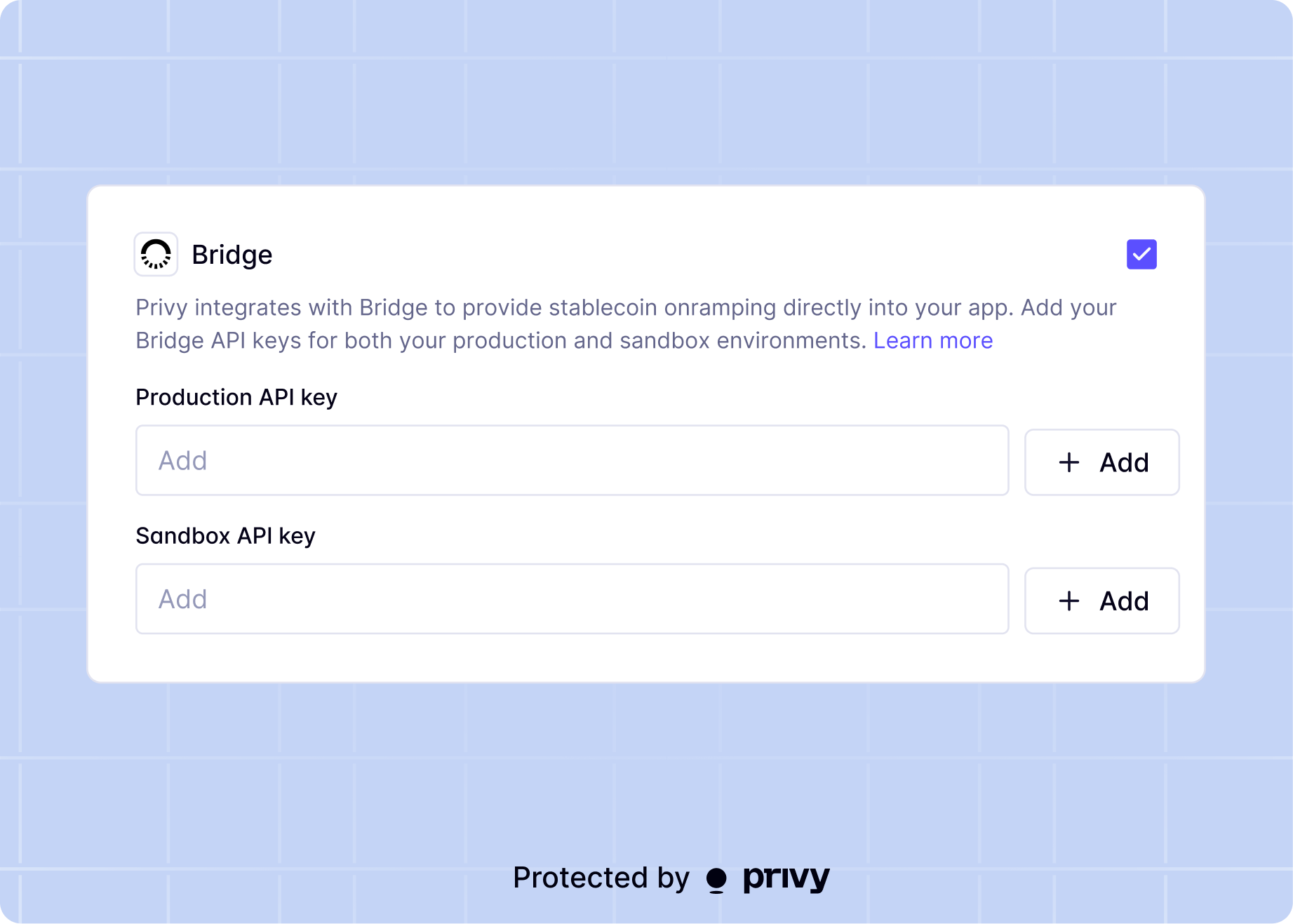
Some funding providers require API keys to process transactions. The Dashboard prompts for these keys when enabling the corresponding funding method.
## Enable funding methods
To enable funding, select the desired funding methods by toggling the corresponding option in the Dashboard. Privy uses the enabled providers to generate options for users to select from during a funding flow.
Privy is actively working on bringing **Transfer from external wallet** to React Native, but this
is currently **not** yet supported. Enabling this method in the Dashboard does not surface this
option to React Native users.
## Set provider API keys
Some funding providers require API keys to process transactions. The Dashboard prompts for these keys when enabling the corresponding funding method.